




AI & Machine Learning
Solutions for Smart Applications
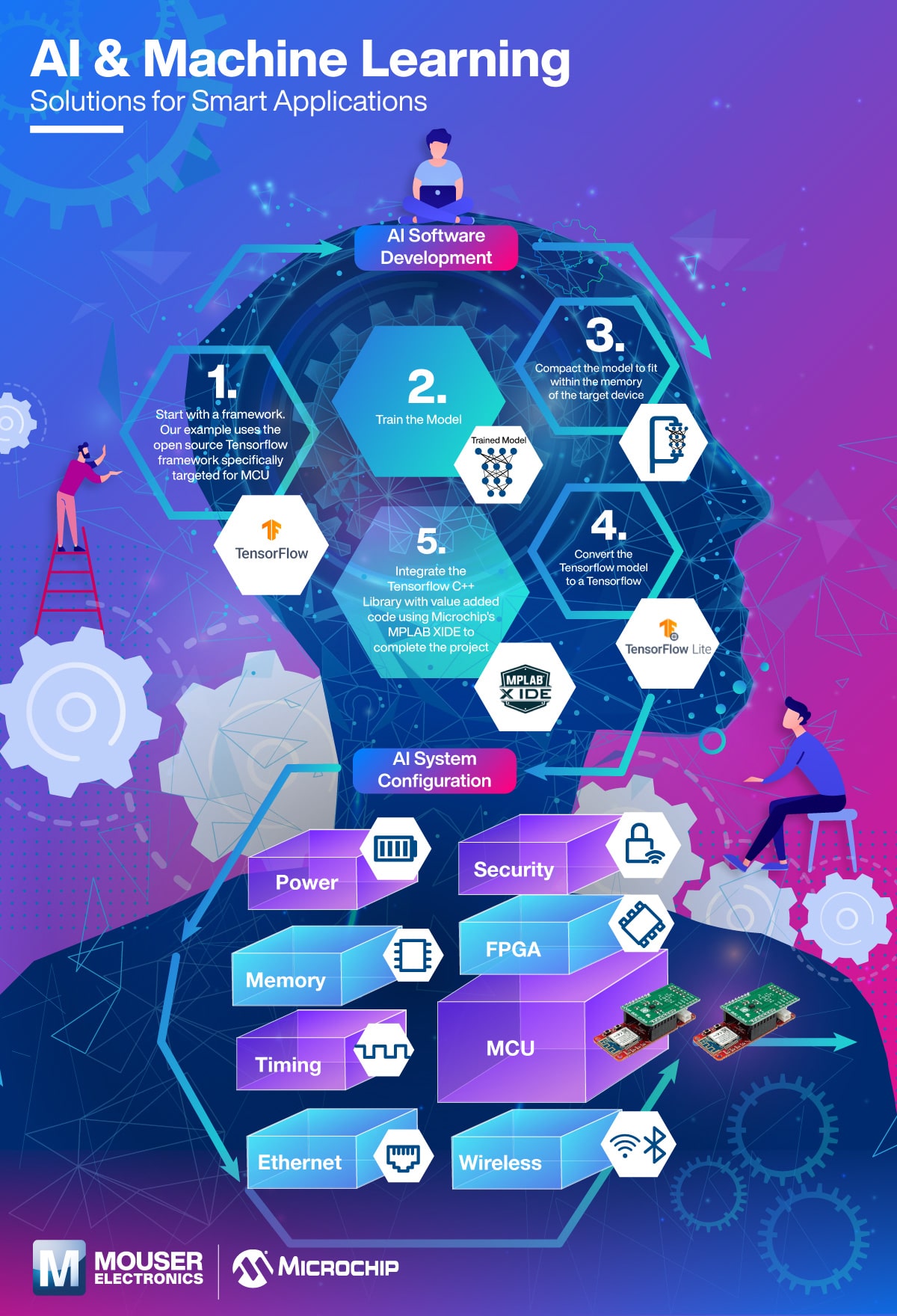
Main graphic: Silhouette of head and upper body with supporting graphics superimposed
First Stage: AI Software Development
Graphic of person on ladder next to TensorFlow logo:
1. Start with a famework. Our example uses the open source TensorFlow framework specifically targeted for MCU.
Graphic of person on computer with trained model:
2. Train the model.
Graphic of trained model being compressed in vise grip:
3. Compact the model to fit within the memory of the target device.
Graphic of TensorFlow Lite logo:
4. Convert the TensorFlow model to a TensorFlow.
Graphic of MPLAD X IDE logo:
5. Integrate the TensorFlow C++ library with value added code using Microchip’s MPLAB X IDE to complete the project.
Next Stage: AI System Configuration
(Shown in two columns)
Left column:
- Power with fully charged battery icon
- Memory with Memory chip icon
- Timing with timing steps icon
- Ethernet with Ethernet plug icon
Right column:
- Security with lock icon
- FPGA with FPGA chip icon
- MCU with dev board graphic
- Wireless with wireless Bluetooth icon